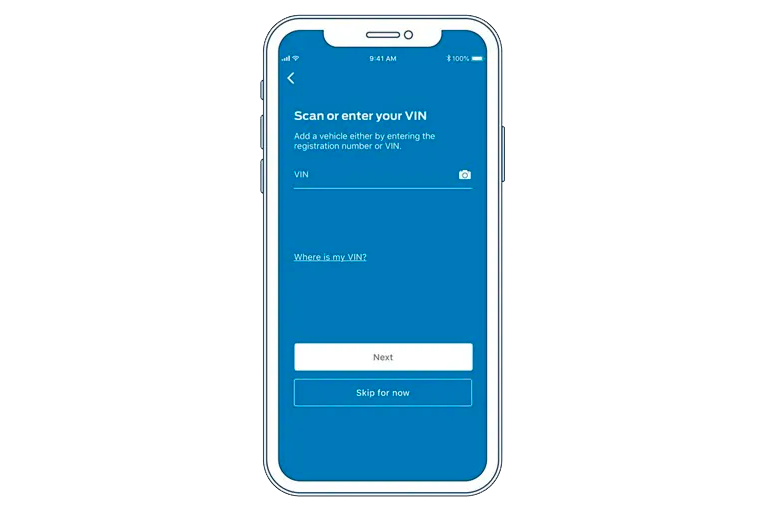
Step One
Download the Ford App and add your Vehicle Identification Number (VIN) bar code.


Enjoy complimentary remote features.
Download the Ford App and add your Vehicle Identification Number (VIN) bar code.
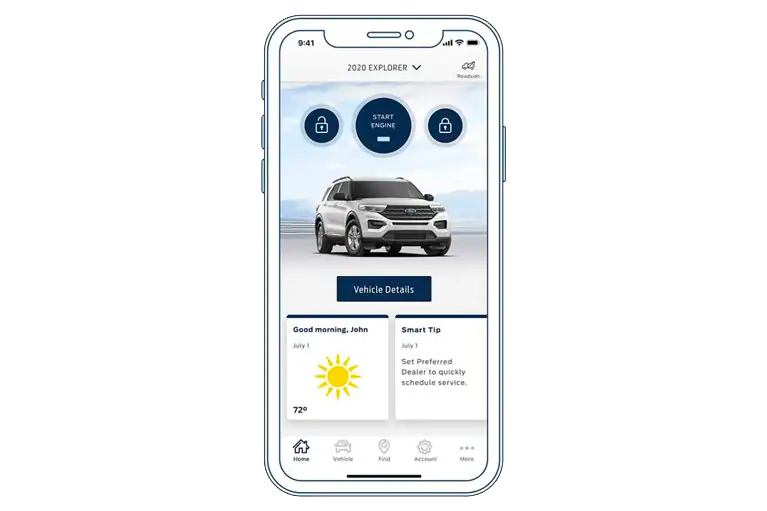
Tap the Activate Vehicle icon in the Ford App Vehicle Details screen.
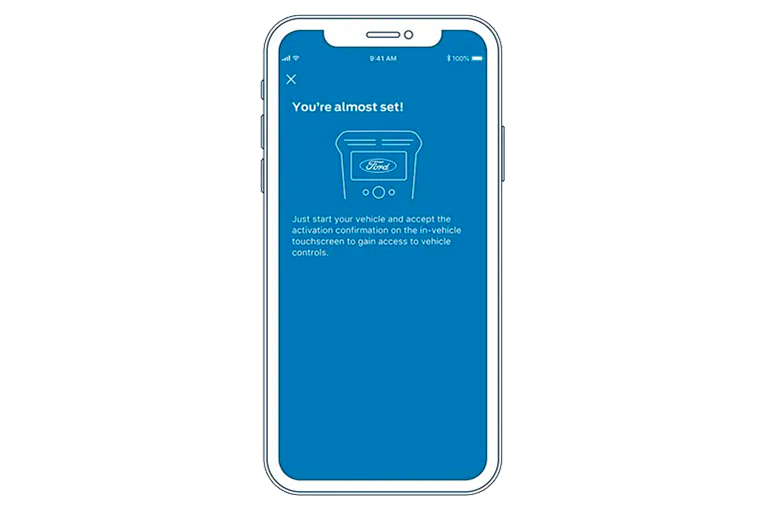
Start your vehicle and tap "Allow" on the pop-up that appears on the in-vehicle touchscreen.
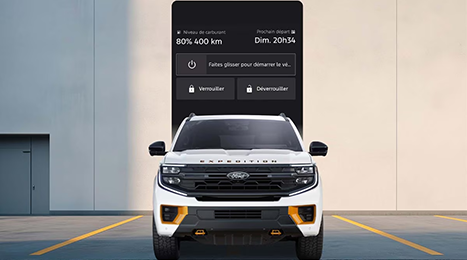
Start your vehicle remotely with the tap of a button. You can also schedule a remote start for any day, any time.

Lock or unlock your vehicle from virtually anywhere.

Forgot where you parked? No problem. The Ford App remembers your location.
(example used on Mustang Mach-E; applies to other Ford vehicles)

Access key information like fuel and oil levels, tire pressure, vehicle health and warranty information at a glance.
Get help in case of an emergency and hit the road with confidence with 24/7 roadside assistance

Locate a local dealer, parking, fuel, charging stations, restaurants, and more.


Receive the latest Ford news and events, private offers and much more as a Ford App member.

Earn valuable Points as a Ford App member and redeem them towards Ford service, accessories and more.

Our Ford Guides are available via phone or live chat through the Ford App and are happy to help you with any Ford App needs or questions you may have. Here are a few things a FordGuide can assist you with:
To learn more about the Ford Rewards program, call 1-833-502-1689 Monday to Saturday from 9 AM to 8 PM EST.
Powered and developed by